Capture in the moment.
Share or paste. Add photos, files, camera shots, and document scans.
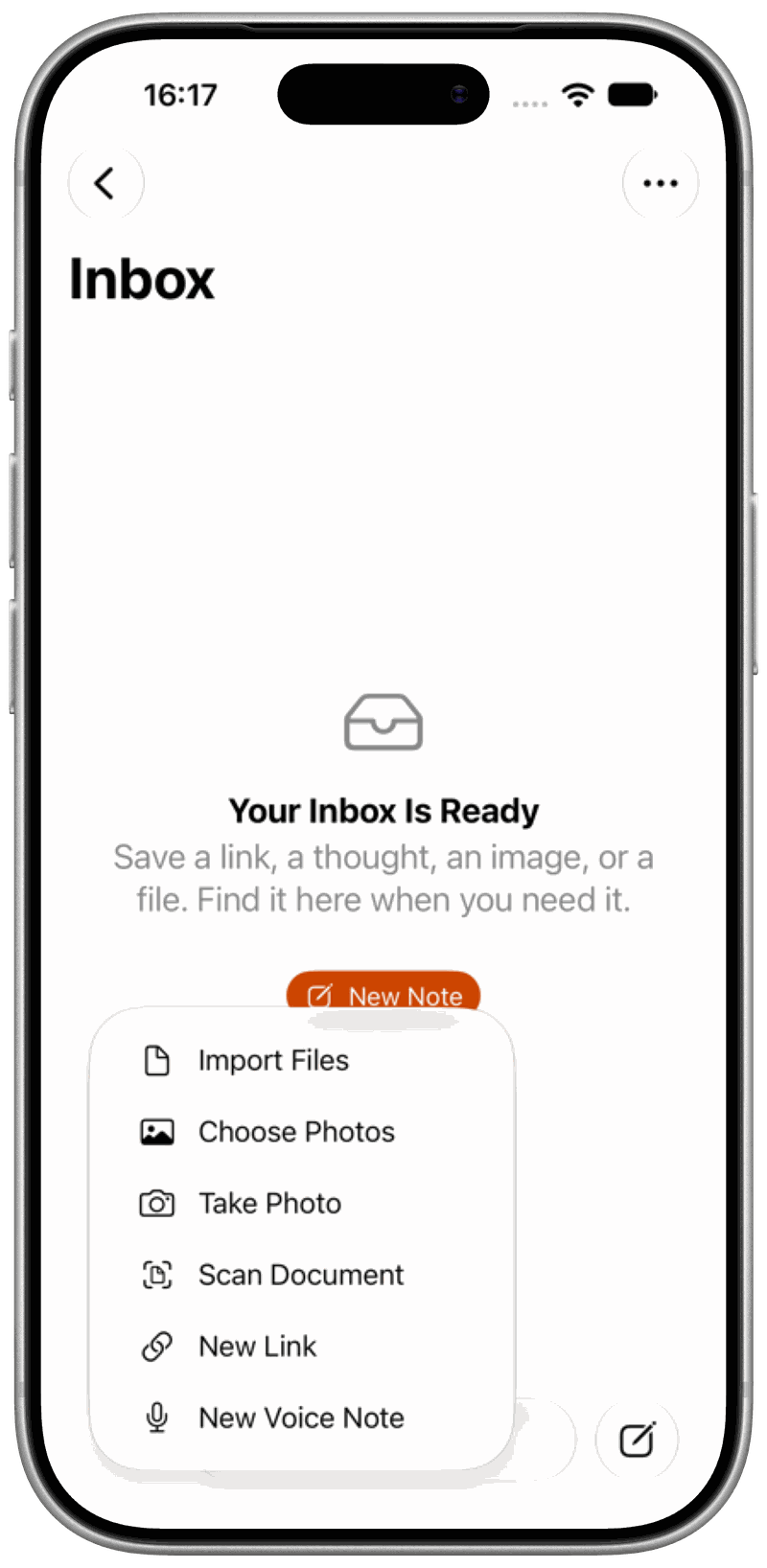
Links, notes, photos, files, and voice notes. All in one place.
We’ll email if a beta place opens. Access isn’t guaranteed. Privacy
We’ll get in touch if a beta place becomes available.
iPhone · iPad · Mac coming soon
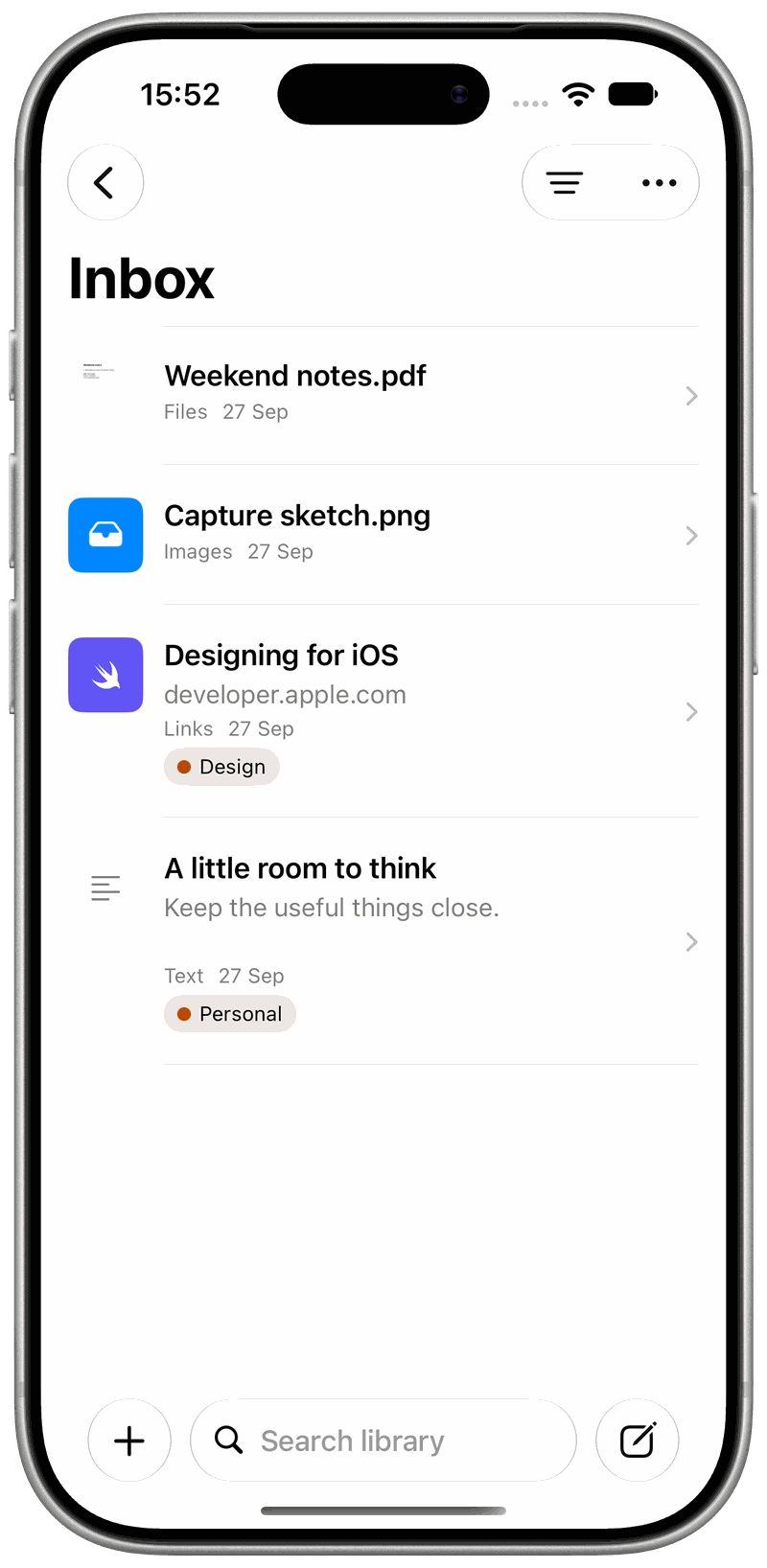
Share or paste. Add photos, files, camera shots, and document scans.
Find what you saved with search, tags, and type filters.
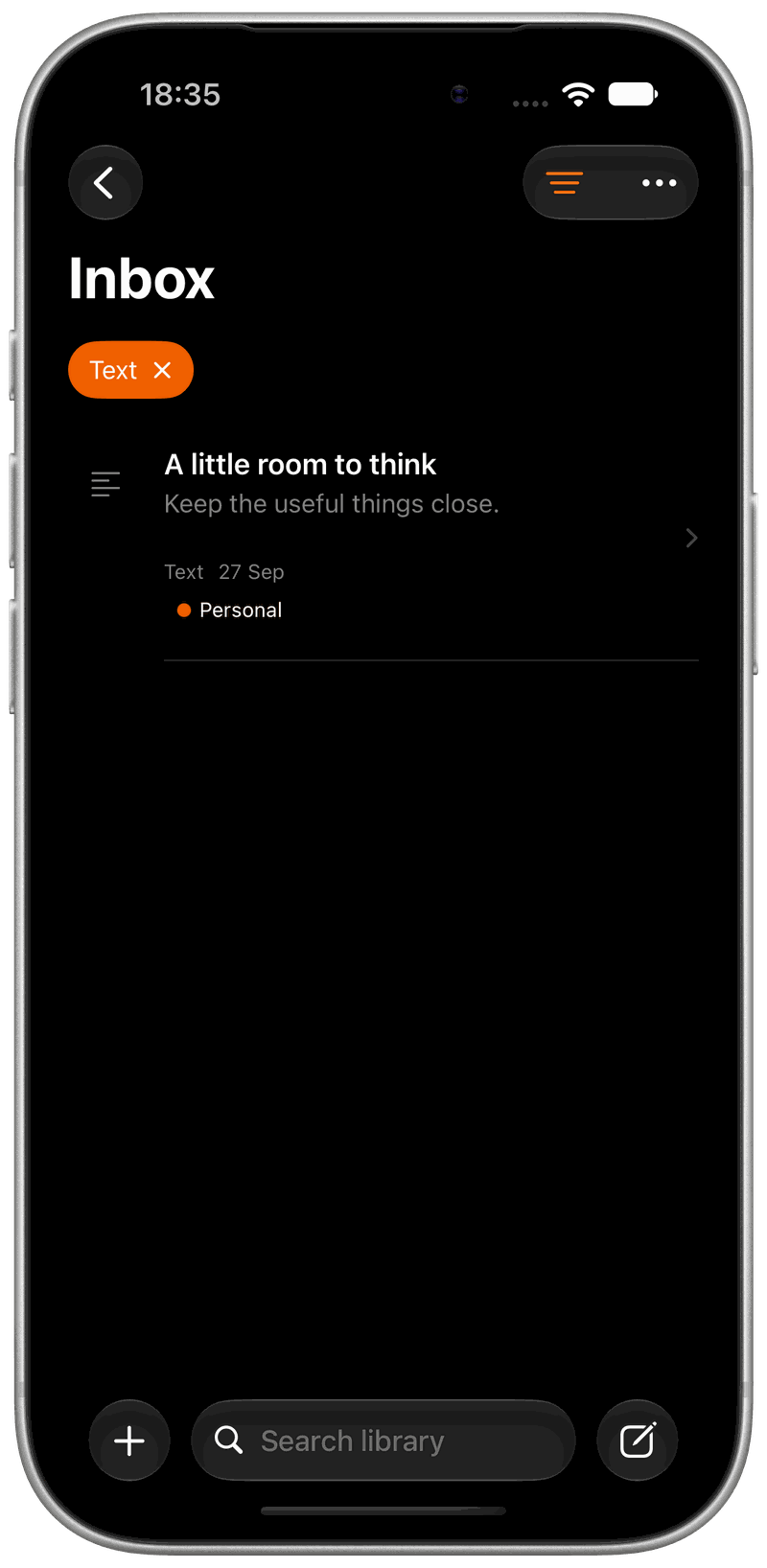
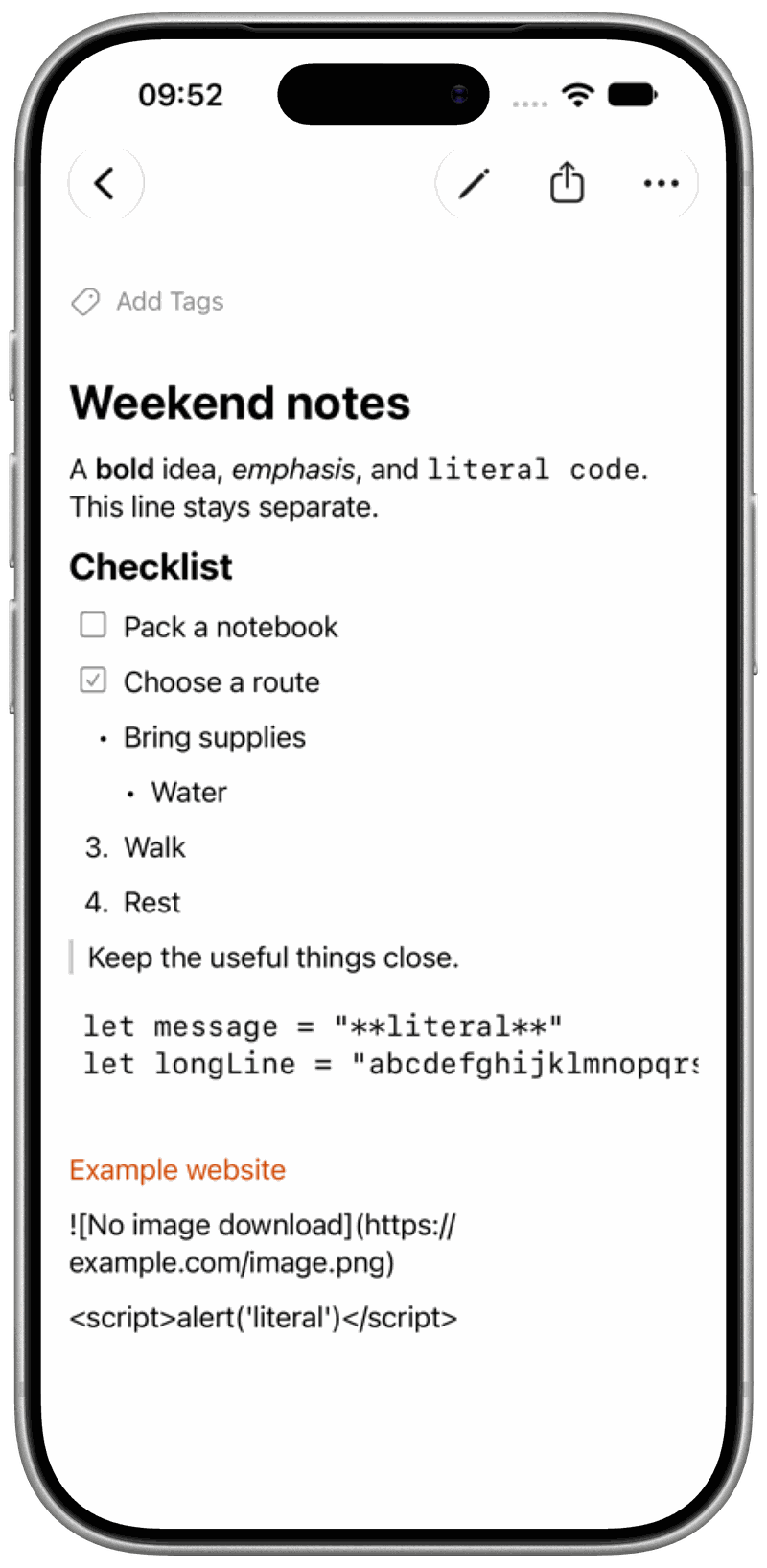
Markdown notes, saved links, native file previews. Ready to read and share.
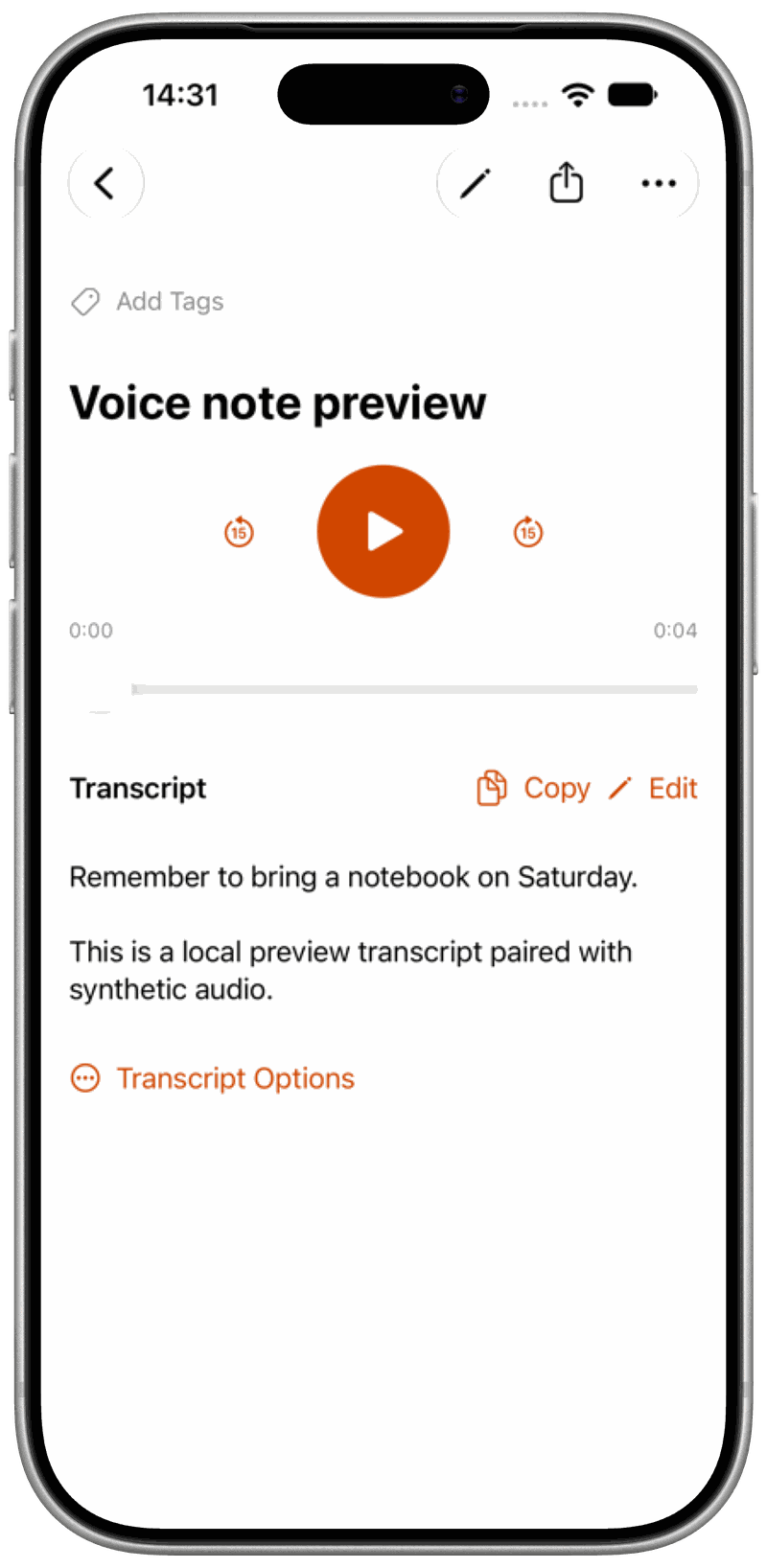
Record an idea. Search its on-device transcript, when supported.

Save and find items with supported Siri commands and shortcuts.

Your saved items, right in system search.

Quick capture from supported widgets and system controls.

Saved on your device. Optional iCloud sync.

Find text in photos and PDFs when on-device recognition is available.

No Gatherkeep account or analytics. Supported processing stays on your device.
Links, notes, photos, PDFs and other files, and voice notes.
iPhone and iPad. Mac is coming soon, with no release date yet.
Saved items work offline; webpages need a connection. Transcription depends on your device, language, and downloaded assets.
Items stay on your device, with optional iCloud sync. No Gatherkeep account or analytics. Supported processing happens on device.

